ANKAMA AUTHENTICATOR1.1.2
Publisher Description
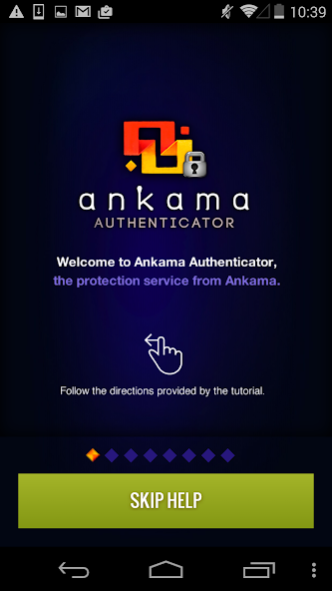
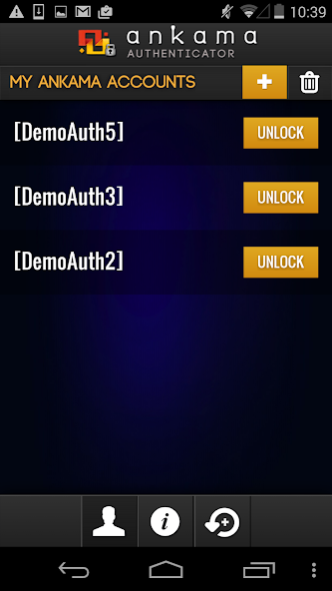
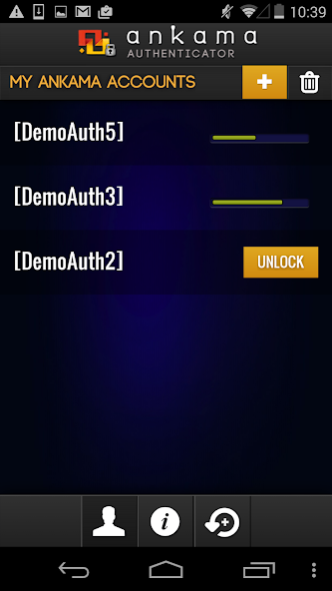
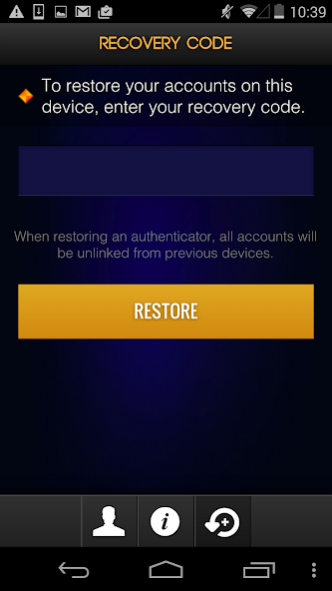
Ankama Authenticator is the new mobile app account protection system. It allows you to protect your Ankama account by linking it to your mobile device or tablet.
Any time you want to link your account to one of our games (DOFUS, WAKFU or KROSMASTER) or sites, you must first launch the app and press the ‘Unlock’ button. This simple action authorises you to log on for a period of 30 seconds. After this period is over, nobody can access your account.
*Simple yet effective - put your mind at ease while you play
*Practical - add up to 8 accounts on one device
*Little extras - each account with protection will gain a permanent in-game loot and XP bonus!
Please note: This app requires a verified account and an internet connection (wi-fi or mobile network)
To find out more, visit our Authenticator FAQ: https://support.ankama.com/hc/en-us/sections/200297533
About ANKAMA AUTHENTICATOR
The company that develops ANKAMA AUTHENTICATOR is ANKAMA GAMES. The latest version released by its developer is 1.1.2.
To install ANKAMA AUTHENTICATOR on your Android device, just click the green Continue To App button above to start the installation process. The app is listed on our website since 2017-10-23 and was downloaded 2 times. We have already checked if the download link is safe, however for your own protection we recommend that you scan the downloaded app with your antivirus. Your antivirus may detect the ANKAMA AUTHENTICATOR as malware as malware if the download link to com.ankamagames.AnkamaAuthenticator is broken.
How to install ANKAMA AUTHENTICATOR on your Android device:
- Click on the Continue To App button on our website. This will redirect you to Google Play.
- Once the ANKAMA AUTHENTICATOR is shown in the Google Play listing of your Android device, you can start its download and installation. Tap on the Install button located below the search bar and to the right of the app icon.
- A pop-up window with the permissions required by ANKAMA AUTHENTICATOR will be shown. Click on Accept to continue the process.
- ANKAMA AUTHENTICATOR will be downloaded onto your device, displaying a progress. Once the download completes, the installation will start and you'll get a notification after the installation is finished.
Program Details
System requirements
Download information
Pricing
Version History
version 1.1.2
posted on 2017-10-23
Fix a bug on Android 8 Oreo.
version 1.0.9
posted on 2015-06-08
*Fixed account display bug found on certain devices,*UI improvement: The ‘Unlock’ button now appears on the main page from the moment the first account is linked,*Graphical redesign of the first page of the tutorial,*Fixes for connection issue bugs,*Improvements to some error messages in order to make them more explicit,*Translation improvements
